Navigating the expansive market of tech accessories can feel overwhelming for the everyday user. With countless options promising enhanced functionality, improved protection, or simply a better user experience, the decision often boils down to balancing cost with actual utility. This guide focuses on equipping you with the practical knowledge needed to make informed purchasing decisions, ensuring that each accessory genuinely addresses a need, integrates seamlessly with your existing devices, and delivers lasting value without unnecessary complexity or expenditure. The goal is to move beyond marketing hype and identify accessories that truly improve your daily interaction with technology.
Understanding Your Specific Needs
Before any purchase, clarify the primary problem an accessory intends to solve or the specific enhancement it offers. Generic upgrades often lead to unused items. Consider your daily routines, environment, and how your current devices fall short or could perform better.
- Daily Commute: Do you need durable protection, extended battery life, or noise-canceling audio for travel?
- Home Use: Is the accessory for entertainment, productivity, or smart home integration?
- Work/Study: Does it enhance comfort, connectivity, or data management for professional tasks?
- Device Longevity: Are you seeking to protect an investment or extend the functional life of a device?
Defining these use cases narrows the field considerably, moving the focus from "what's new" to "what's useful for me."
Essential Accessory Categories and Considerations
Power and Charging Solutions
Reliable power is foundational. Prioritize accessories that match your device's power requirements and support relevant fast-charging standards. Look for wattage output (e.g., 20W for phones, 65W+ for laptops) and port types (USB-C Power Delivery, Qualcomm Quick Charge). Safety certifications, such as UL or CE, indicate adherence to electrical safety standards, reducing risks of overheating or damage.
Best for: Ensuring devices remain operational throughout the day and charging efficiently without compromising battery health.
Audio Enhancements
Headphones and speakers vary widely in form factor and intended use. Over-ear headphones often prioritize sound quality and noise isolation, suitable for focused listening. In-ear earbuds offer portability and discretion, ideal for exercise or commuting. Consider connectivity (Bluetooth version, wired), battery life, and microphone quality if calls are frequent. For speakers, evaluate soundstage, portability, and smart assistant integration.
Best for: Improving personal entertainment, communication clarity, or creating an immersive audio environment.
Protection and Portability
Cases, screen protectors, and carrying bags safeguard your devices against daily wear, accidental drops, and environmental factors. For cases, material (silicone, polycarbonate, leather), drop-test ratings (e.g., MIL-STD-810G), and port accessibility are key. Screen protectors come in tempered glass or film; tempered glass offers superior impact resistance and scratch protection. Carrying solutions should provide adequate padding, water resistance, and organizational pockets for cables and smaller items.
Best for: Extending the physical lifespan of devices and maintaining their aesthetic condition.
Connectivity and Peripherals
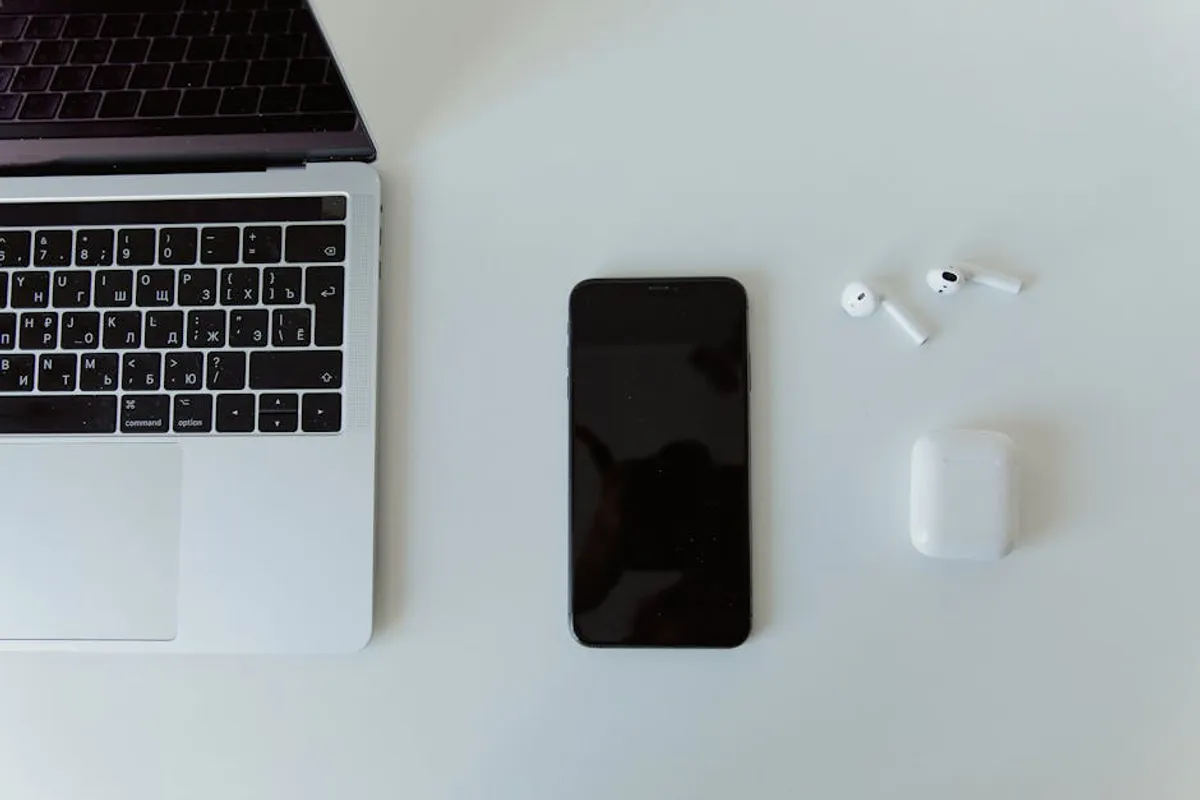
Hubs, adapters, and external storage expand a device's capabilities. With the prevalence of USB-C, multi-port hubs (HDMI, USB-A, Ethernet, SD card readers) are common for laptops. Ensure the hub supports the necessary data transfer speeds (e.g., USB 3.0/3.1/3.2, Thunderbolt) and power passthrough if charging simultaneously. External drives should match your storage needs and speed requirements (SSD for performance, HDD for capacity). Keyboards and mice should prioritize ergonomics and responsiveness for comfortable, efficient interaction.
Best for: Expanding device functionality, improving workflow, and managing data efficiently.
Pro Tip: Always verify compatibility. Many accessories are device-specific (e.g., phone cases, tablet pens), while others have universal standards (USB-C cables, Bluetooth headphones). Check product specifications against your device's model number and port types to prevent purchasing an unusable item. Pay particular attention to charging standards; an incompatible charger may charge slowly or not at all.
Evaluating Quality and Value
Durability and Build Quality
Assess the materials and construction. Cables with braided nylon sheathing and reinforced strain relief at connector points typically last longer than basic PVC. Cases made from rigid polycarbonate or impact-absorbing TPU offer better protection. Higher-quality accessories often feature better internal components, leading to more consistent performance and fewer failures over time.
Warranty and Customer Support
A manufacturer's warranty reflects their confidence in a product. Look for warranties of at least one year for electronic accessories. Responsive customer support can be invaluable if you encounter issues, providing troubleshooting assistance or facilitating replacements. Researching a brand's reputation for post-purchase service offers additional assurance.
User Reviews and Reputation
While individual reviews can be subjective, a consensus across multiple platforms often highlights consistent strengths or weaknesses. Pay attention to comments regarding product longevity, actual performance versus advertised claims, and ease of use. A brand with a history of reliable products and positive user experiences generally offers a safer bet.
Making Informed Purchases
Approach accessory purchases with a clear understanding of your needs and a critical eye toward specifications and user feedback. Prioritize functionality, compatibility, and durability over novelty or the lowest price point. Investing slightly more in a well-made accessory that perfectly fits your requirements often results in greater satisfaction and a lower total cost of ownership than repeatedly replacing cheaper, less effective alternatives. Your tech accessories should enhance your digital life, not complicate it.
Frequently Asked Questions
How often should I replace my tech accessories?
Replacement frequency depends on the accessory type and usage. Cables and cases, due to daily handling, might need replacing every 1-3 years if wear and tear become significant. Power banks and headphones can last 3-5 years or more with proper care, though battery degradation in power banks is inevitable over time. Replace any accessory showing signs of damage, especially those involving power, to prevent device harm or safety risks.
Are generic accessories as good as branded ones?
Generic accessories can offer good value, but quality varies significantly. Branded accessories, especially from reputable manufacturers, often adhere to stricter quality control, use certified components, and provide better warranty support. When considering generic options, prioritize those with strong positive reviews, clear specifications, and safety certifications to mitigate risks of poor performance or device damage.
What's the most important factor when buying a new accessory?
Compatibility is paramount. An accessory, regardless of its features or price, is useless if it doesn't work seamlessly with your existing devices. After ensuring compatibility, prioritize functionality that addresses your specific needs, followed by durability and value for money.
How do I ensure a charger is safe for my device?
Check for safety certifications like UL (Underwriters Laboratories), CE (Conformité Européenne), or RoHS (Restriction of Hazardous Substances) on the product and packaging. Ensure the charger's voltage and amperage output match or are within the safe range recommended by your device manufacturer. Avoid unbranded chargers with no visible certifications, as these may pose fire or damage risks.