Entering the smart home market can feel overwhelming, with an array of devices, competing standards, and integration challenges. For beginners, the primary goal is often to enhance convenience, improve security, or reduce energy consumption without introducing unnecessary complexity or privacy risks. Understanding the foundational elements of smart home technology—what devices exist, how they communicate, and how to manage them—is crucial for making informed purchasing decisions that align with your specific needs and budget. This guide breaks down the essentials, focusing on practical considerations for a functional and secure smart home setup.
Understanding the Core Components
A smart home is a collection of internet-connected devices that can communicate with each other and be controlled remotely. These devices typically fall into specific functional categories, often managed through a central hub or a common app ecosystem.
Smart Hubs and Controllers: The Central Command
While some smart devices operate independently via Wi-Fi, many benefit from a central hub. A smart hub acts as a translator, allowing devices using different communication protocols (like Zigbee or Z-Wave) to speak to each other and to your Wi-Fi network. This centralization simplifies control, enables complex automations, and can improve network efficiency by offloading some traffic from your main Wi-Fi router. For example, a hub might allow a smart light switch to trigger a smart thermostat adjustment based on occupancy, even if those devices use different underlying wireless technologies.
Device Categories: What They Do
Smart home devices serve various functions, each designed to automate or enhance a specific aspect of your living space. Understanding these categories clarifies their utility:
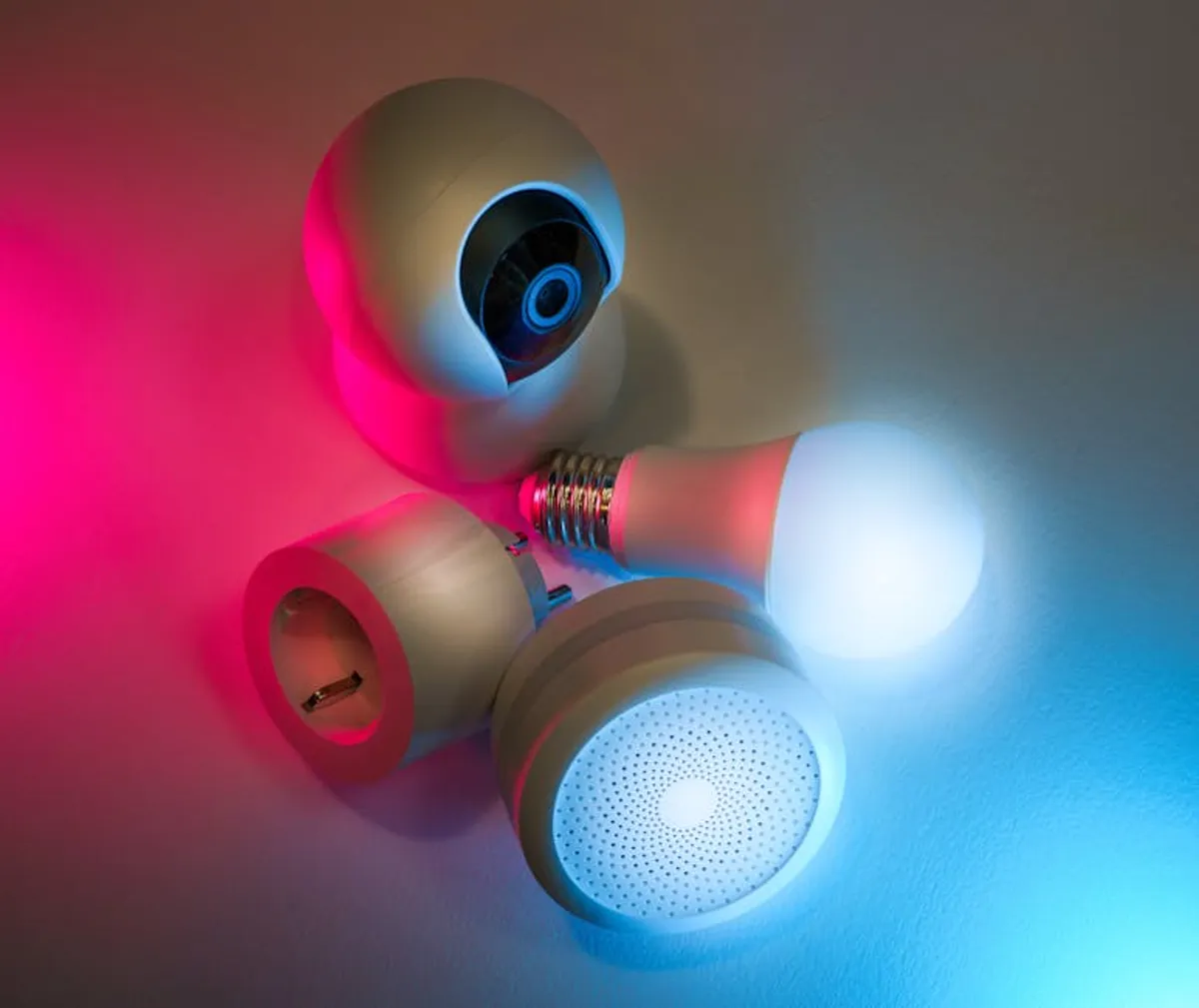
- Smart Lighting: Includes bulbs, switches, and light strips that offer remote control, dimming, color changes, and scheduling. These devices can adjust ambiance, simulate occupancy, or simply provide convenient control without physical switches.
- Smart Thermostats: Allow remote temperature control, learning your habits to optimize heating and cooling schedules. They contribute to energy savings by preventing unnecessary climate control when no one is home.
- Security Cameras & Doorbells: Provide real-time video surveillance, motion detection alerts, and two-way audio communication. Smart doorbells allow you to see and speak to visitors from anywhere, while cameras monitor indoor or outdoor spaces.
- Smart Plugs & Appliances: Convert ordinary appliances into smart ones by providing remote on/off control and scheduling through a Wi-Fi-enabled outlet. Smart appliances, like refrigerators or washing machines, have built-in connectivity for advanced features and monitoring.
- Smart Speakers & Displays: Act as central interfaces for voice control, playing music, setting alarms, and displaying information. They often integrate with other smart devices, allowing voice commands to control lights, thermostats, or security systems.
How Smart Devices Communicate
For devices to function as a cohesive system, they need a way to communicate. Several wireless protocols are commonly used, each with distinct advantages for different applications.
Wi-Fi: Ubiquitous and Direct
Many smart devices connect directly to your home's Wi-Fi network. This method is convenient because it leverages existing infrastructure and offers high bandwidth, suitable for streaming video from security cameras. However, a large number of Wi-Fi devices can congest your network, potentially slowing down other internet activities and increasing power consumption for battery-operated devices.
Bluetooth: Close-Range Connections
Bluetooth is primarily used for direct, short-range connections between a smart device and a smartphone or tablet. It's common for initial setup processes or for devices like smart locks where direct, localized control is sufficient. Its limited range and lower bandwidth make it less suitable for whole-home automation networks.
Zigbee and Z-Wave: Mesh Network Specialists
Zigbee and Z-Wave are low-power wireless protocols designed specifically for smart home devices. They create a mesh network, meaning each device can communicate with its neighbors, extending the overall range and reliability of the network. This architecture is energy-efficient, making it ideal for battery-powered sensors and switches, and reduces congestion on your Wi-Fi network. Devices using these protocols typically require a compatible smart hub to connect to your home internet and be controlled remotely.
Interacting with Your Smart Home: Voice Assistants
Voice assistants have become a primary interface for controlling smart home devices, offering hands-free operation and simplified command execution. These platforms integrate with a wide range of devices, allowing you to manage your home with spoken commands.
Amazon Alexa: Broad Device Support
Alexa, primarily found in Amazon Echo devices, boasts extensive compatibility with thousands of smart home products. Its strength lies in its vast ecosystem and ability to integrate with various brands, making it a popular choice for users seeking wide-ranging device support and routine creation.
Google Assistant: Contextual Understanding
Integrated into Google Nest devices and Android phones, Google Assistant excels at natural language processing and understanding context. It can answer complex queries, manage schedules, and control smart devices with nuanced commands, often leveraging Google's search capabilities for richer interactions.
Apple HomeKit: Privacy-Focused Integration
Apple HomeKit, accessible through iOS devices and Apple HomePod speakers, emphasizes privacy and security. Devices certified with HomeKit adhere to Apple's strict security standards, and all communication is encrypted. While its device compatibility list is smaller than Alexa or Google Assistant, it offers a tightly integrated and secure experience for Apple users.
Getting Started: Your First Device Setup
Approaching your first smart device installation with a clear plan can prevent common frustrations and ensure a smoother experience.
Planning Your Needs
Before purchasing, identify specific problems you want to solve or conveniences you wish to add. Do you want to save energy with a smart thermostat, enhance security with a camera, or simply control lights remotely? Starting with one or two devices that address a clear need provides immediate value and allows you to learn the system without overcommitting.
Installation and Pairing
Most smart devices come with clear instructions for installation. This typically involves physically installing the device (e.g., screwing in a smart bulb), downloading the manufacturer's app, and following on-screen prompts to connect it to your Wi-Fi or smart hub. Ensure your Wi-Fi network is strong in the device's location for reliable performance.
Automations and Routines
The true power of a smart home lies in its ability to automate tasks. Once devices are paired, explore the app's options for creating routines or automations. For example, you might set lights to turn on at sunset, or have your thermostat adjust when you leave home. These rules can significantly enhance convenience and efficiency.
Warning: Prioritize Network Security
When adding smart devices, remember each one is a potential entry point into your home network. Use strong, unique passwords for all device accounts, enable two-factor authentication where available, and keep device firmware updated. Segmenting smart devices onto a guest Wi-Fi network or a dedicated VLAN can add an extra layer of security, isolating them from your primary devices containing sensitive personal data.
Navigating Common Smart Home Challenges
While smart home technology offers significant benefits, understanding potential challenges helps in building a robust and reliable system.
Data Security and Privacy
Every connected device collects some form of data. Be aware of what information your devices gather (e.g., video feeds, energy usage, voice commands) and how it's stored or used. Review privacy policies, adjust privacy settings, and choose reputable brands known for their commitment to data protection. Regularly check for firmware updates, which often include security patches.
Device Compatibility: Avoiding Silos
Not all smart devices work together seamlessly. Before buying, check for compatibility with your existing smart home ecosystem or preferred voice assistant. Look for labels like "Works with Alexa," "Works with Google Home," or "HomeKit compatible." Opting for devices within a single ecosystem or those supporting open standards like Matter can simplify integration and management.
Scalability and Future-Proofing
As your smart home grows, consider how new devices will integrate. A system built on open standards or a robust hub can accommodate future additions more easily. Avoid proprietary systems that lock you into a single brand, limiting your choices and potentially making upgrades more difficult down the line.
Practical Next Steps for Beginners
For those new to smart home technology, a phased approach is often the most effective. Start with a single device or a small set of devices that address a clear, immediate need. This allows you to gain experience with setup, control, and automation without the complexity of a full-scale deployment. Focus on learning the core functionalities of your chosen devices and how they integrate with your preferred voice assistant or hub. As you become more comfortable, gradually expand your system, always prioritizing compatibility, security, and genuine utility over simply adding more gadgets. Regular review of privacy settings and firmware updates will ensure your smart home remains secure and performs optimally.
Frequently Asked Questions
Q: Do I need a smart hub for all smart home devices?
A: No, many smart devices connect directly to your home Wi-Fi. However, a hub is often necessary for devices using Zigbee or Z-Wave protocols, and it can centralize control and enable more complex automations for mixed-protocol setups.
Q: Are smart home devices secure from hackers?
A: Reputable brands incorporate security features, but no system is entirely impervious. Practicing good digital hygiene—using strong, unique passwords, enabling two-factor authentication, and regularly updating firmware—significantly enhances security. Consider isolating smart devices on a separate network.
Q: Can smart home devices save me money?
A: Potentially, yes. Smart thermostats can optimize heating and cooling schedules to reduce energy consumption, and smart plugs can help identify and eliminate "phantom load" from electronics. However, the initial investment in devices must be weighed against potential long-term savings.
Q: What is the "Matter" standard, and why is it important?
A: Matter is an open-source connectivity standard designed to improve compatibility between smart home devices from different manufacturers. It aims to simplify setup and ensure devices work together seamlessly, reducing fragmentation in the smart home ecosystem. Devices supporting Matter are expected to offer broader integration capabilities.