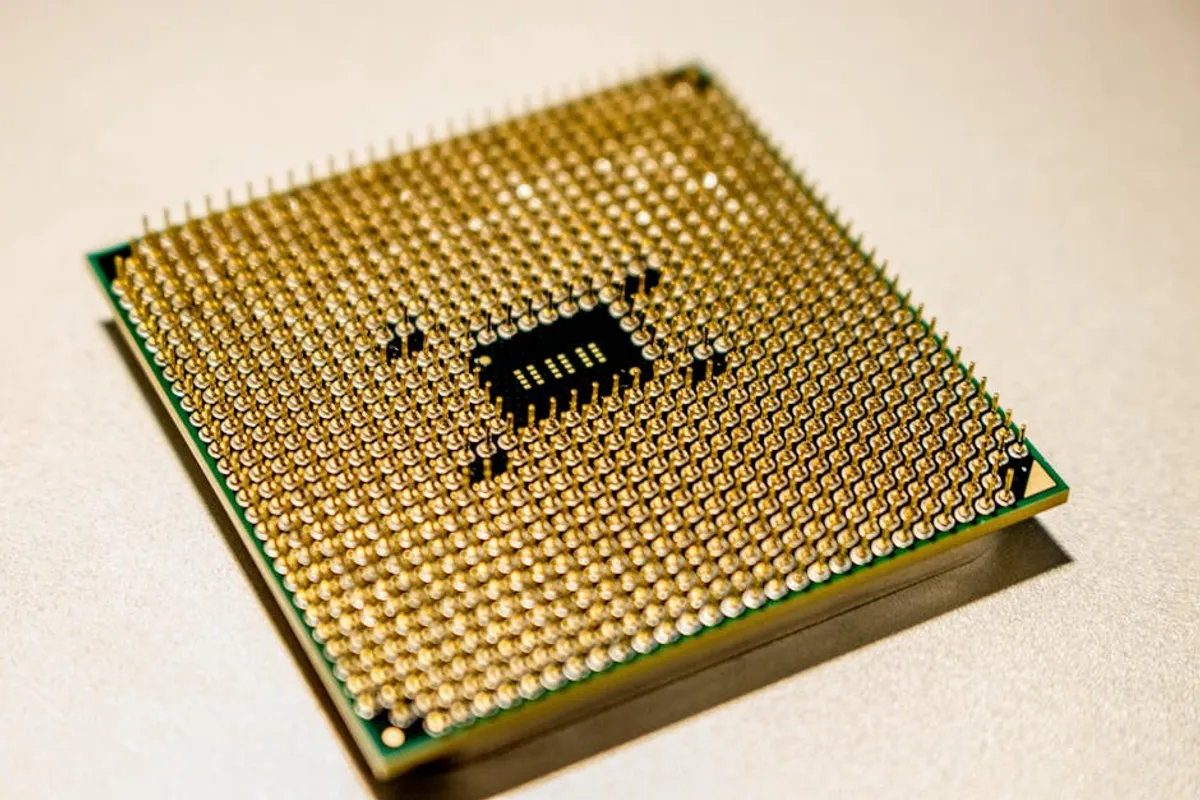
Choosing an AMD Ryzen-powered laptop involves understanding how these processors deliver performance, particularly in multi-core tasks and integrated graphics, to match your specific computing needs. While Intel has long dominated the laptop market, AMD's Ryzen series has emerged as a compelling alternative, offering strong performance-per-dollar, especially for users engaged in productivity, content creation, or light to moderate gaming. This guide focuses on the critical components and considerations necessary to make an informed purchase, ensuring your investment aligns with your usage patterns and budget.
Understanding AMD Ryzen Processor Series
AMD categorizes its Ryzen laptop processors into distinct series, each targeting different performance tiers and user profiles. Differentiating these is fundamental to selecting the right laptop.
- Ryzen 3: These are entry-level processors, typically featuring 4 cores and 8 threads. They are suitable for basic computing tasks such as web browsing, document editing, email, and video streaming. Laptops with Ryzen 3 are generally the most budget-friendly option, prioritizing affordability and essential functionality.
- Ryzen 5: Positioned in the mid-range, Ryzen 5 processors often come with 6 cores and 12 threads. They offer a significant performance uplift over Ryzen 3, making them ideal for general productivity, multitasking with multiple applications, and light to moderate gaming. They strike a balance between performance and cost.
- Ryzen 7: Stepping into the high-performance segment, Ryzen 7 CPUs typically feature 8 cores and 16 threads. These are designed for more demanding workloads, including intensive content creation (video editing, graphic design), data analysis, and serious gaming. Laptops with Ryzen 7 provide robust processing power for users who require sustained performance.
- Ryzen 9: The flagship series, Ryzen 9 processors often boast 8 or more cores and 16 or more threads, with higher clock speeds and larger cache. They are engineered for enthusiast-grade performance, targeting professional users, competitive gamers, and those running highly resource-intensive applications. These processors deliver the highest levels of mobile computing power available from AMD.
Beyond the core count, consider the generation (e.g., 5000 series, 6000 series, 7000 series) of the processor, as newer generations typically bring architectural improvements, better power efficiency, and enhanced integrated graphics performance.
Key Hardware Considerations Beyond the CPU
Integrated vs. Dedicated Graphics
Most Ryzen processors include integrated Radeon Graphics. For Ryzen 5 and above, these integrated GPUs are capable enough for casual gaming, video playback, and basic photo editing. If your primary use involves web browsing, office applications, or streaming, the integrated graphics are sufficient. However, for demanding gaming, professional video editing, 3D rendering, or CAD work, a laptop with a dedicated GPU (dGPU) from AMD Radeon or NVIDIA GeForce is essential. A dGPU provides its own memory and processing power, significantly boosting graphical performance.
RAM and Storage Configurations
Memory (RAM):
For general use and light multitasking, 8GB of RAM is a functional minimum. However, 16GB is recommended for a smoother experience, especially when running multiple applications simultaneously, handling larger files, or engaging in light content creation. For professional workloads like video editing, 3D design, or heavy gaming, 32GB or more of RAM will prevent bottlenecks and ensure responsive performance. Check if the RAM is upgradeable, as some thin-and-light laptops have soldered memory.
Storage:
An NVMe Solid State Drive (SSD) is non-negotiable for the operating system and primary applications due to its superior speed compared to traditional Hard Disk Drives (HDDs). A 512GB NVMe SSD provides a good balance for most users. For larger media libraries, extensive software installations, or game collections, consider 1TB or more. Some laptops offer dual storage options, combining a smaller NVMe SSD for speed with a larger HDD for bulk storage, though this is less common in modern thin laptops.
Display Quality and Features
The display significantly impacts the user experience. Key aspects include:
- Resolution: 1920x1080 (Full HD) is standard and adequate for most tasks on 13-inch to 15-inch screens. For sharper images, more screen real estate, and professional creative work, consider QHD (2560x1440) or 4K (3840x2160) displays.
- Panel Type: IPS (In-Plane Switching) panels offer wide viewing angles and good color accuracy, making them suitable for general use and creative tasks. OLED displays provide superior contrast, true blacks, and vibrant colors, ideal for media consumption and professional photo/video editing, but often come at a higher cost.
- Refresh Rate: Standard displays have a 60Hz refresh rate. For gamers, a higher refresh rate (120Hz, 144Hz, or higher) provides smoother motion and a more responsive gaming experience.
- Color Accuracy: For creative professionals, look for displays that specify sRGB, Adobe RGB, or DCI-P3 coverage percentages, indicating their suitability for color-sensitive work.
Battery Life and Portability
AMD Ryzen processors, especially the "U" series (e.g., Ryzen 7 7735U), are often designed for power efficiency, contributing to longer battery life. However, the actual battery duration depends on the laptop's battery capacity (measured in Watt-hours, Wh) and your usage patterns. For portability, consider lighter laptops (under 3.5 lbs) and smaller screen sizes (13-inch or 14-inch). Gaming laptops or workstations with powerful dedicated GPUs will naturally be heavier and have shorter battery life.
Pro Tip: Always verify the laptop's cooling system design through detailed reviews, especially for models featuring Ryzen 7 or Ryzen 9 processors and dedicated GPUs. Effective thermal management is crucial for sustained performance during demanding tasks; a poorly cooled system will throttle performance to prevent overheating, negating the benefits of powerful hardware.
Matching a Ryzen Laptop to Your Workflow
For Students and Everyday Use
Prioritize a Ryzen 5 processor for balanced performance and cost. Look for 8GB or 16GB RAM, a 256GB or 512GB NVMe SSD, and a Full HD IPS display. Emphasize battery life and a lightweight design for portability between classes or commutes. Integrated Radeon Graphics will handle all typical student applications and media consumption.
For Creative Professionals (Photo/Video Editing, Design)
Target a Ryzen 7 or Ryzen 9 processor for multi-core performance in rendering and complex computations. A minimum of 16GB RAM (32GB recommended) and a 1TB NVMe SSD are essential. A dedicated GPU (e.g., AMD Radeon RX 6000/7000 series or NVIDIA GeForce RTX 30/40 series) is often necessary for accelerated video encoding and graphic workloads. Focus on high-resolution, color-accurate displays (e.g., QHD or 4K with high sRGB/DCI-P3 coverage).
For Gamers
A Ryzen 7 or Ryzen 9 processor paired with a powerful dedicated GPU is paramount. Look for at least 16GB of RAM (32GB for high-end titles or streaming), a fast 1TB NVMe SSD, and a high-refresh-rate display (120Hz or higher) for fluid gameplay. Robust cooling systems are critical to maintain performance during extended gaming sessions. Consider laptops with MUX switches for direct GPU-to-display connections, minimizing latency.
For Business and Professional Users
Ryzen 5 or Ryzen 7 processors provide ample power for business applications, virtual meetings, and data management. Focus on build quality, security features (like fingerprint readers or TPM modules), and excellent keyboard/trackpad ergonomics for extended use. Good battery life and a professional aesthetic are also key considerations. 16GB RAM and a 512GB NVMe SSD are typically sufficient.
Making Your Final Selection
The ideal AMD Ryzen laptop is one that precisely matches its specifications to your anticipated workload without unnecessary overspending. Begin by defining your primary use cases, then allocate your budget to the most critical components—CPU, GPU (if needed), RAM, and storage—in that order of priority. Always consult recent, independent reviews of specific laptop models to gauge real-world performance, battery life, thermal management, and build quality. This iterative approach ensures you acquire a machine that delivers both performance and value for your investment.
Frequently Asked Questions
Are AMD Ryzen laptops good for gaming?
Yes, AMD Ryzen laptops are very capable for gaming. When paired with a dedicated GPU (either AMD Radeon or NVIDIA GeForce), Ryzen processors, especially the Ryzen 7 and Ryzen 9 series, offer strong performance for modern games at various resolutions and settings. Even integrated Radeon Graphics in Ryzen 5 and 7 can handle less demanding titles and older games effectively.
Do Ryzen laptops have good battery life?
Many Ryzen laptops, particularly those featuring the power-efficient "U" series processors, offer excellent battery life, often rivaling or exceeding comparable Intel-based systems. However, battery life varies significantly by laptop model, battery capacity, screen type, and usage patterns. Laptops with dedicated GPUs will generally have shorter battery life under heavy load.
What's the main difference between Ryzen 5 and Ryzen 7 in laptops?
The primary difference lies in core count, thread count, and clock speeds. Ryzen 5 processors typically offer 6 cores and 12 threads, providing strong performance for general use and multitasking. Ryzen 7 processors usually feature 8 cores and 16 threads, delivering higher performance for more demanding tasks like intensive content creation, video editing, and serious gaming, due to their increased processing power.
Should I prioritize CPU or GPU in a Ryzen laptop?
This depends entirely on your primary use. If your work involves CPU-intensive tasks like video rendering, complex simulations, or heavy multi-tasking, prioritize a higher-tier Ryzen CPU (Ryzen 7 or 9). If your main activities are gaming, 3D modeling, or graphic design, then a powerful dedicated GPU is more critical. For balanced use, aim for a strong combination of both.