Phones come out of the box configured for what is best for app companies and platform makers. They are not configured for what is best for users. Six minutes of setting changes can make your phone substantially better as a tool.
1. Turn off all notifications, then add back the ones you want
The default is "every app gets to interrupt you whenever it wants." This is wrong.
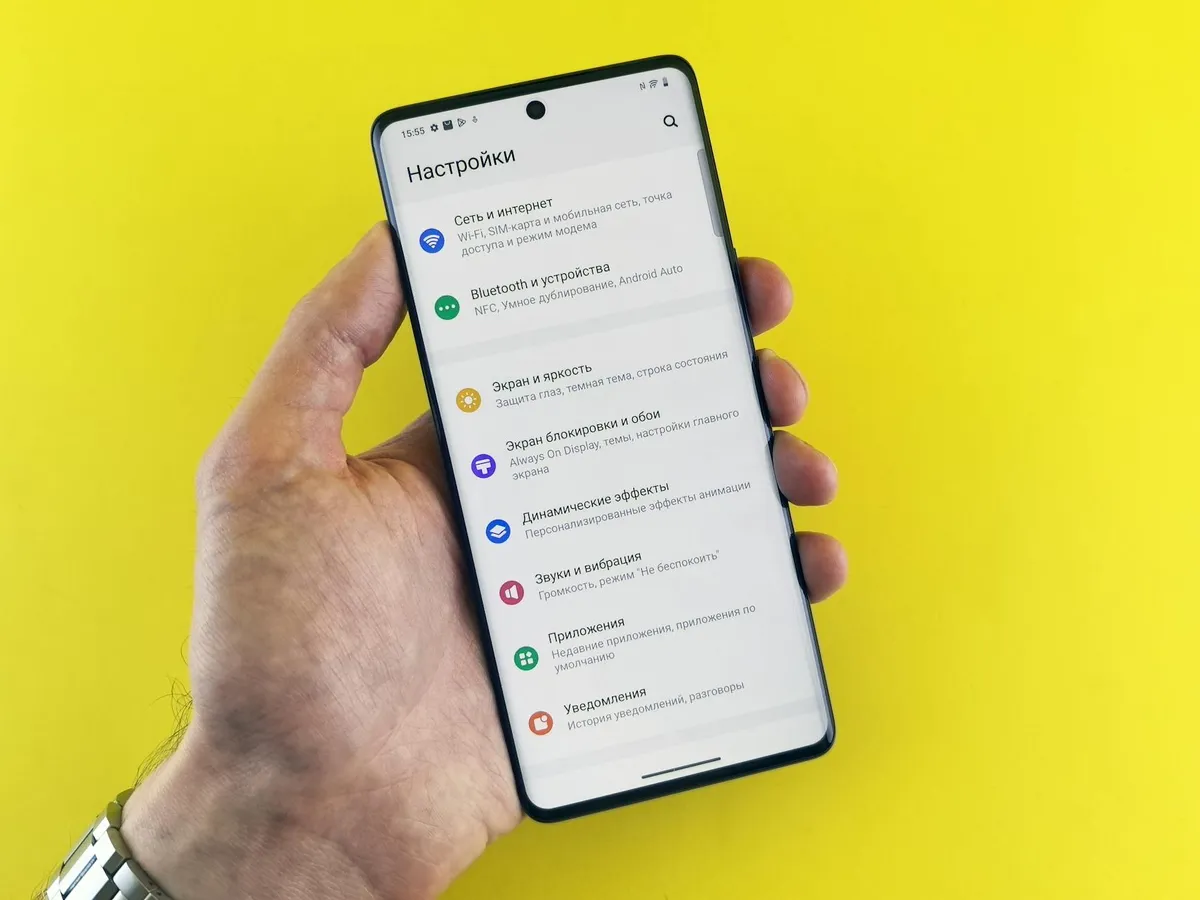
What to do: Settings → Notifications → turn them all off. Then go through and re-enable only for apps where you genuinely want interruptions (typically: Messages, Phone, Calendar, maybe email, maybe specific work apps).
Result: Phone goes from constant interruption machine to genuinely useful tool. You will check it less compulsively because there is less to check.
2. Set Do Not Disturb on a schedule
The phone should be silent during sleep hours and (depending on preference) during work hours.
What to do: Set Focus modes (iPhone) or Do Not Disturb schedule (Android) for sleeping hours. Add exceptions for emergency contacts only.
Result: Phone stops being a sleep disruptor. Quality of sleep noticeably improves within days.
3. Turn off badge notifications (the red dots)
Badge notifications are designed to create a sense of unfinished business. They train you to compulsively open apps to clear the badges.
What to do: Settings → Notifications → for each app, turn off "Badges."
Result: The visual urgency disappears. You open apps when you decide to, not when the dots tell you to.
4. Disable lock screen notification previews
Default behavior shows previews of messages and emails on your lock screen. This is bad for privacy AND bad for your attention.
What to do: Settings → Notifications → Show Previews → "When Unlocked" or "Never."
Result: Your phone face-up on a table no longer reveals message contents. You also do not get the dopamine hit of seeing previews, which reduces compulsive checking.
5. Turn off "Reduce Motion" backwards
Wait — actually, turn ON "Reduce Motion." The default animations are fancy but slow down the perceived speed of your phone substantially.
What to do: Settings → Accessibility → Motion → Reduce Motion ON.
Result: Phone feels noticeably faster. App-switching is instant. The "wow" factor of fancy animations disappears but the daily experience is better.
6. Set up "Find My Phone" properly
Most people set this up casually and never test it. Then when they actually lose the phone, the system does not work.
What to do: Verify Find My iPhone or Find My Device is fully enabled. Test that you can actually find it from another device. Make sure family members can help locate it if needed.
Result: When you eventually lose your phone (everyone does eventually), the recovery process actually works.
The bonus setting
Bonus #7: Move the apps you use compulsively off the home screen.
Social media apps, news apps, anything that pulls you in compulsively. Move them to a folder, or to a second screen. The slight friction of finding them reduces compulsive use substantially.
The apps still work. You can still use them when you choose. They just no longer pull you in every time you unlock the phone.
What I am NOT recommending
Some commonly suggested phone optimizations that matter less:
- Battery saving modes always on. They limit performance. Better to manage charging habits.
- Aggressive auto-lock timing. Annoying without solving real problems.
- Disabling all background app refresh. Some apps need it to be useful.
- Turning off all Apple/Google services. Some are genuinely useful (Maps, Find My, etc.).
- Installing many "productivity" apps. The default settings change above produce more benefit than most apps.
The math on settings
Six minutes of settings changes versus years of compulsive phone use is a remarkable trade. The settings affect how you use your phone every day, multiple times per day, for the entire life of the device.
Almost no other six-minute investment in your daily life produces comparable behavioral change.
Why phones come configured this way
Phone manufacturers and app developers benefit from engagement. The default settings maximize engagement. This is not malicious; it is just the result of incentive structures.
The settings that benefit you (less interruption, less compulsive checking, more deliberate use) often reduce engagement metrics. They are available but not default.
Changing them is a small act of taking back control over how your tools work for you.
The takeaway
Phones are powerful tools. The defaults often make them worse tools and worse for human wellbeing. Six minutes of settings changes substantially improves both.
Do this on your phone today. Help your family members do it on theirs. The cumulative benefit across years of use is substantial and the cost is minimal.