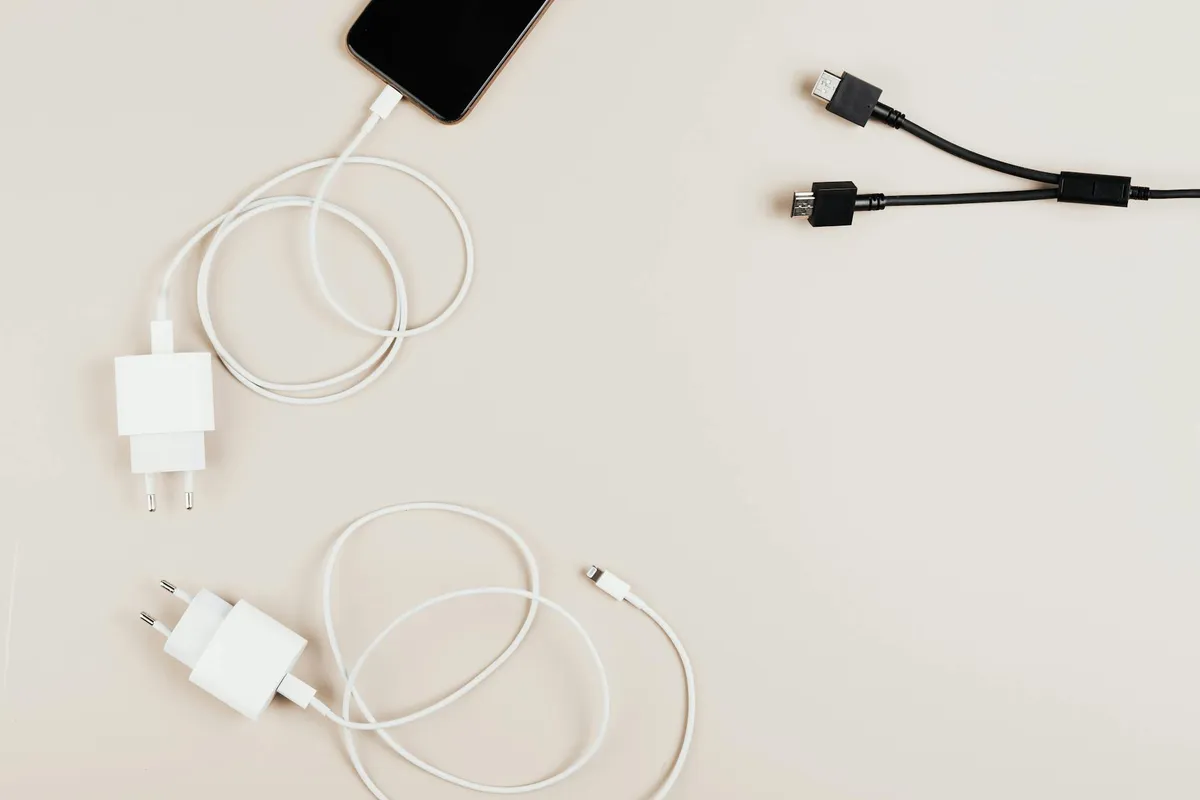
Most people buy charging cables and adapters as commodities. The cheap stuff seems fine until it stops working, charges slowly, or in worst cases damages devices. Here are 6 charging-related categories where the quality difference is real and worth paying for.
1. USB-C cables — about -25 each
Sounds boring. Genuinely matters. Cheap USB-C cables can damage devices, charge slowly, or fail in weeks.
What to look for: Real USB-C 3.1 or USB4 specification. 100W power delivery. Braided construction. Reputable brand.
What I use: Anker 765 USB-C cables. About $20 each. Have used them for 3+ years without failure.
What to avoid: Random Amazon cables under $10. "Premium" cables over $50 (diminishing returns past about $25).
Bottom line: Buy 4-5 quality cables once. They will last years. Replace cheap cables you currently have.
2. GaN power adapter — about -80
GaN (gallium nitride) chargers are smaller, more efficient, and faster than traditional silicon chargers. The technology is genuinely better.
What to look for: 65W minimum (charges most laptops). Multiple ports (USB-C and USB-A). Compact form factor. Brand reputation.
What I use: Anker 735 65W GaN charger. About $50. Replaces my laptop charger and phone chargers in one device.
Bottom line: One good GaN charger replaces multiple older chargers. Worth the upfront investment for the consolidation alone.
3. Quality power bank — about -100
Power banks vary enormously. Cheap ones overstate capacity, charge slowly, and fail quickly.
What to look for: 20,000+ mAh capacity. 65W+ USB-C output (charges laptops). Quality brand with warranty.
What I use: Anker 537 24K Power Bank. About $80. Charges laptop, phone, headphones from one device.
Bottom line: If you travel or work away from outlets, a quality power bank is daily-use gear. The cheap alternatives constantly disappoint.
4. Wireless charger (only if you really want one) — about -50
Wireless chargers are slower than wired and generate more heat (which degrades battery faster). Only buy if you specifically value the convenience.
What to look for: Qi2 standard support. 15W minimum power. Stand or pad form depending on your use case.
What I use: Skip — I prefer wired. If buying, the Anker MagGo Charging Stand is reasonable.
Bottom line: Buy only if you specifically want the wireless convenience and accept the trade-offs. Otherwise wired is faster and better for battery health.
5. Real surge protector — about -80
Most "surge protectors" sold cheap are essentially extension cords. Real surge protection requires meaningful joule rating and quality components.
What to look for: 2,000+ joules rating. UL listing. Connected equipment warranty. From established electrical brands (APC, Tripp-Lite, CyberPower).
What I use: APC Performance SurgeArrest. About $50. Genuinely protects equipment.
Bottom line: If you have expensive electronics in areas with electrical issues (storms, old wiring), real surge protection saves devices. The $5 power strip does not actually protect against surges meaningfully.
6. UPS (Uninterruptible Power Supply) — about 0-300
For desktop computers and important electronics, a UPS provides battery backup during power outages and clean power during fluctuations.
What to look for: 1,500VA minimum capacity. Pure sine wave output. Adequate runtime for your equipment.
What I use: APC Back-UPS Pro 1500. About $200. Gives me 15-20 minutes to save work and shut down properly during outages.
Bottom line: If you work from home with a desktop, a UPS prevents data loss and equipment damage from power issues. Business equipment investment, not consumer extra.
What I am NOT recommending
Charging accessories that get hyped that are mostly not worth it:
- Lightning cables for non-Apple devices. Apple has moved to USB-C; legacy Lightning is fading.
- "Smart" surge protectors with apps. The basic surge protection is what matters; the smart features rarely deliver value.
- Cable organizers and cord wraps. Cute but rarely solve real problems. Use velcro ties for free.
- Premium magnetic charging accessories beyond basic MagSafe-compatible options. The category is mostly markup.
- Multi-device charging stations over $80. Better to have one good GaN charger and quality cables.
The full charging setup recommendation
For most people, the right charging investment:
- 1 GaN charger (65W+) for desk: $50
- 1 GaN charger for travel: $40
- 4-5 quality USB-C cables: $80
- 1 power bank (if you travel or work away from outlets): $80
- 1 surge protector for computer area: $50
Total: about $300.
This setup will last 5+ years. Compare to the cumulative cost of cheap charging gear that fails and gets replaced repeatedly.
The honest assessment of charging tech
Most people under-invest in charging accessories because they seem like commodities. The reality is that quality differences are real and the cost-per-year is reasonable when you consider the lifespan.
The cheap alternatives are not really cheap when you replace them constantly. The quality alternatives are not really expensive when you amortize over years of reliable use.
The takeaway
Charging accessories are the most under-thought tech category for most people. The 6 above are where quality genuinely matters and where the investment pays back over years.
Replace the cheap cables and chargers in your current setup with quality versions. The daily use experience improves immediately. The reliability over years saves substantial money compared to constantly replacing cheap alternatives.